
How to Use an Interactive Board in the Classroom?
An interactive board is a touchscreen display used in classrooms to make lessons more engaging and interactive. It connects to computers, the internet, and educational software, allowing teachers to display videos, presentations, and digital activities while writing or drawing directly on the screen. Unlike a traditional whiteboard, it supports multimedia learning and real-time collaboration. Students can also interact with the board by solving problems, playing educational games, or participating in group activities, making the classroom more dynamic and modern.
How Interactive Boards Differ from Traditional Whiteboards?
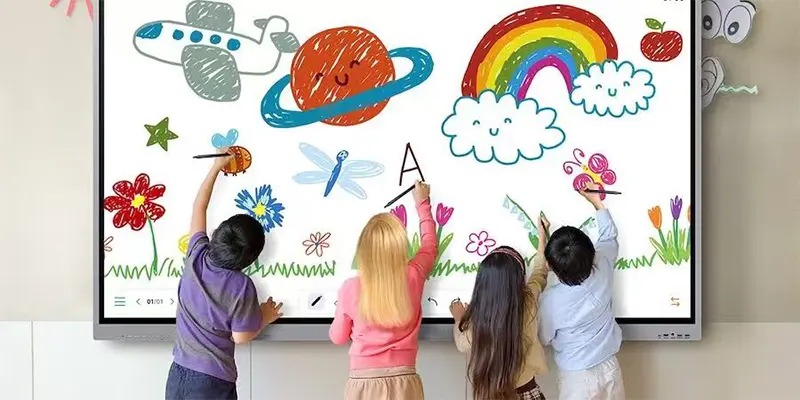
Traditional whiteboards are mainly used for writing notes, drawing diagrams, and explaining lessons with markers. Interactive boards, on the other hand, combine the functions of a whiteboard, computer, and multimedia system into one device. Teachers can display videos, presentations, websites, and educational apps directly on the screen, making lessons more visual and engaging.
Another major difference is interaction and collaboration. With an interactive board, both teachers and students can touch the screen, move objects, write notes, and participate in activities in real time. Lessons can also be saved, shared digitally, and reused later, which is not possible with a regular whiteboard. This makes interactive boards a more flexible and modern solution for today's classrooms.
Why Schools Are Adopting Interactive Boards?
Increasing Student Engagement
One of the biggest advantages of interactive boards is their ability to increase student engagement. Instead of only listening to lectures, students can interact with lessons through touch activities, quizzes, videos, and educational games. This makes learning more dynamic and helps keep students focused for longer periods.
Interactive boards also encourage classroom participation by allowing students to solve problems, share ideas, and work together directly on the screen. The combination of visuals, movement, and real-time interaction creates a more enjoyable and active learning experience.
Supporting Different Learning Styles
Interactive boards help teachers support different learning styles by combining visuals, audio, and hands-on activities in one lesson. Visual learners can benefit from images and videos, while auditory learners can learn through sound and discussions. Students who learn best through interaction can participate directly on the screen through touch-based activities and group tasks.
This flexibility makes lessons more inclusive and helps teachers reach a wider range of students more effectively.
Setting Up an Interactive Board for Classroom Use
Setting up an interactive board properly is important for creating a smooth and effective learning experience. The board should be placed where all students can clearly see the screen without glare or obstruction. Teachers also need to connect the board with devices, educational software, and internet access to fully use its features. Learning basic functions such as screen sharing, digital writing, and multimedia playback can help teachers use the technology more confidently and avoid technical interruptions during lessons.
Using Interactive Boards for Different Subjects
Mathematics Lessons
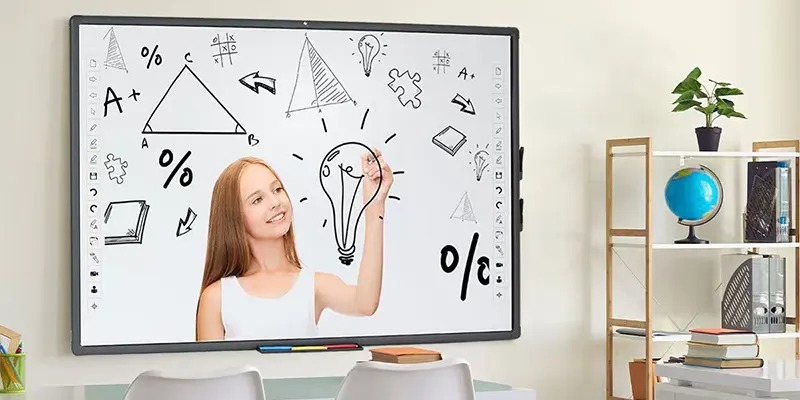
Math becomes far more visual and interactive with smart boards. Teachers can display graphs, manipulate equations, and use drag-and-drop exercises to explain concepts step by step.
Students can solve problems directly on the board while classmates observe and contribute suggestions. This creates collaborative problem-solving rather than isolated practice.
Interactive geometry tools, graphing software, and digital manipulatives also help students visualize mathematical relationships more clearly.
Science Demonstrations
Science lessons benefit enormously from multimedia integration. Interactive boards can display simulations, animations, and experiments that may be difficult or dangerous to perform physically.
Teachers can zoom into microscopic images, rotate 3D anatomy models, or simulate chemical reactions safely. These visual experiences often make scientific concepts easier to understand and remember.
Real-time internet access also allows teachers to incorporate breaking scientific discoveries and current events into lessons instantly.
Language and Literature Classes
Language learning becomes more engaging with interactive boards. Teachers can annotate texts, play pronunciation recordings, highlight grammar patterns, and encourage collaborative storytelling.
Students can interact with vocabulary exercises, participate in digital reading activities, and even analyze literature collectively on-screen. Visual annotation tools also help break down complex texts more effectively.
Interactive boards encourage creativity in language classes because students can combine images, audio, and writing into multimedia presentations.
Conclusion
Interactive boards are transforming classrooms from passive learning spaces into dynamic, collaborative environments. They help teachers combine visuals, multimedia, touch interaction, and real-time collaboration to create more engaging lessons across every subject. Schools are embracing this technology because it supports participation, flexibility, accessibility, and modern teaching strategies.
The true power of an interactive board doesn’t come from the screen itself. It comes from how teachers use it to spark curiosity, encourage teamwork, and make learning feel alive. When used thoughtfully, interactive boards can turn even ordinary lessons into memorable educational experiences.
FAQs
1. What is the main purpose of an interactive board in the classroom?
The main purpose is to make learning more engaging and interactive by combining touch technology, multimedia content, and collaborative teaching tools into one platform.
2. Are interactive boards suitable for all age groups?
Yes. Interactive boards can be adapted for elementary schools, high schools, universities, and even corporate training environments.
3. Do teachers need special training to use interactive boards?
Basic training is recommended, but most modern interactive boards are designed to be user-friendly and easy to learn.
4. Can interactive boards improve student performance?
Studies and educator reports suggest that interactive learning environments can improve engagement, participation, and information retention.
5. What subjects benefit the most from interactive boards?
Subjects like mathematics, science, geography, and language learning benefit greatly because they rely heavily on visuals, demonstrations, and collaboration.