
How to Choose a Self-Service Kiosk for a Restaurant?
Why Self-Service Kiosks Are Becoming Popular in Restaurants
Restaurants across the world are increasingly adopting self-service kiosks to improve efficiency and customer satisfaction. From fast-food chains to modern cafés, digital ordering systems are helping businesses reduce long queues, minimize ordering errors, and improve service speed. Customers also enjoy the convenience of browsing menus at their own pace and customizing orders without pressure.
As labor costs continue to rise and customer expectations evolve, restaurant owners are looking for smart technologies that can streamline operations. Self-service kiosks have become one of the most effective solutions for achieving this goal. However, selecting the right kiosk system requires careful planning because not every kiosk fits every restaurant environment.
The Growing Demand for Contactless Ordering
The popularity of contactless technology has significantly increased in recent years. Many customers now prefer digital ordering methods that reduce face-to-face interactions and speed up transactions. Self-service kiosks meet these expectations by offering a fast and hygienic ordering experience.
Restaurants using kiosks often report shorter waiting times and improved operational flow during busy hours. This is especially important for quick-service restaurants where speed directly impacts customer satisfaction and revenue.
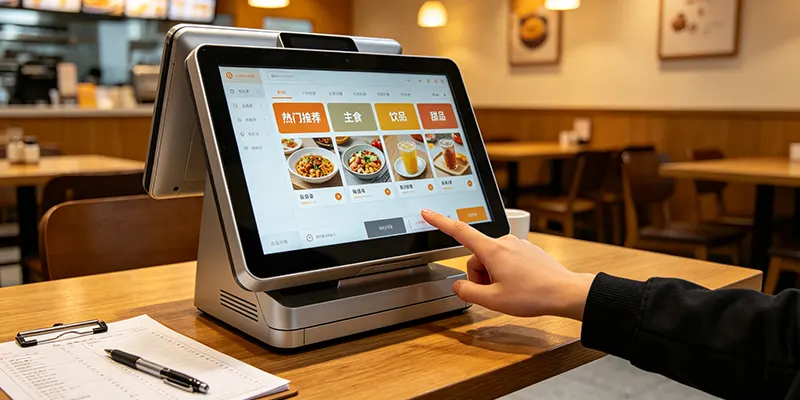
Benefits of Self-Service Kiosks for Restaurants
Self-service kiosks offer multiple advantages for restaurant businesses, including:
| Benefit | Description |
|---|---|
| Faster Ordering | Reduces customer wait times |
| Improved Accuracy | Minimizes human ordering errors |
| Higher Sales | Encourages upselling and combo purchases |
| Reduced Labor Pressure | Allows staff to focus on food preparation |
| Better Customer Experience | Gives customers more control over orders |
These benefits make kiosks a valuable investment for both large restaurant chains and smaller food businesses.
Understand Your Restaurant’s Operational Needs
Before choosing a kiosk system, restaurant owners should evaluate their operational requirements. Different types of restaurants require different kiosk configurations. A busy fast-food restaurant may need several freestanding kiosks, while a small café may only require one compact countertop device.
Understanding your workflow and customer traffic is essential when selecting the right system.
Consider Your Restaurant Type
Different restaurant models use kiosks differently:
Quick-service restaurants (QSRs): Require high-speed ordering kiosks with durable hardware.
Casual dining restaurants: May use kiosks for ordering and table management.
Cafés and bakeries: Often benefit from compact countertop kiosks.
Food courts: Frequently use kiosks for fast order processing and digital payment integration.
Choosing a kiosk designed for your restaurant format can improve efficiency and customer experience.
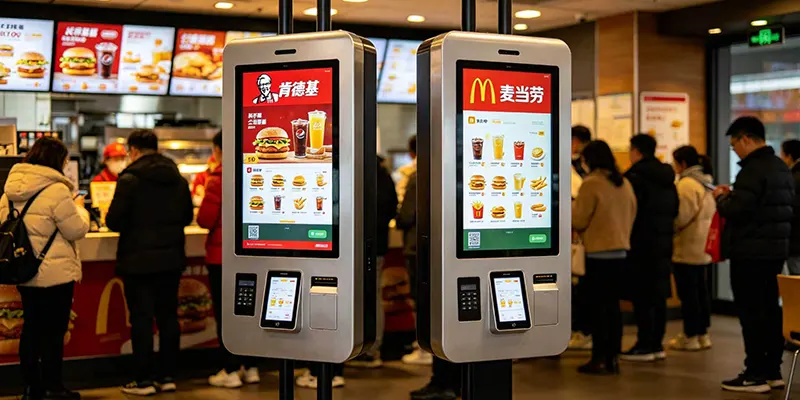
Evaluate Available Space
Space planning is another important factor. Large freestanding kiosks work well in spacious restaurants, but smaller locations may need wall-mounted or countertop solutions to save space.
Restaurant owners should also consider customer traffic flow. Poor kiosk placement can create congestion near entrances or pickup counters.
Focus on User-Friendly Design
The success of a self-service kiosk largely depends on how easy it is to use. Customers should be able to complete their orders quickly and comfortably without assistance from staff members.
A confusing interface can frustrate customers and negatively impact the dining experience.
Features That Improve User Experience
Modern restaurant kiosksshould include:
Large responsive touchscreens
Clear product images
Simple menu navigation
Multilingual support
Easy customization options
Accessibility features
These features make the ordering process smoother and more enjoyable for customers of all ages.
Why Interface Design Matters
A well-designed kiosk interface acts like a digital salesperson. It guides customers through menu selections, suggests add-ons, and encourages larger purchases. Restaurants with intuitive kiosk interfaces often experience increased average order values because customers are more likely to explore menu options visually.
Clean layouts and fast response times also reduce ordering delays during peak business hours.
Choose Reliable Hardware
Restaurant kiosks operate continuously throughout the day, making hardware durability extremely important. Poor-quality hardware can lead to breakdowns, frustrated customers, and lost sales.
Investing in commercial-grade kiosk hardware helps ensure long-term reliability.
Important Hardware Components
When evaluating kiosk hardware, restaurant owners should pay attention to:
| Hardware Feature | Importance |
|---|---|
| Commercial Touchscreen | Supports heavy daily usage |
| Fast Processor | Prevents lag during ordering |
| Thermal Printer | Provides instant receipts |
| Payment Terminal | Enables secure transactions |
| QR Scanner | Supports loyalty programs |
Durable materials and quality components can significantly reduce maintenance issues over time.
Indoor vs Outdoor Kiosks
Some restaurants, particularly drive-thru locations, may require outdoor kiosks. Outdoor units must be weather-resistant and capable of operating in different temperatures and lighting conditions.
Indoor kiosks, on the other hand, focus more on aesthetics and compact design.
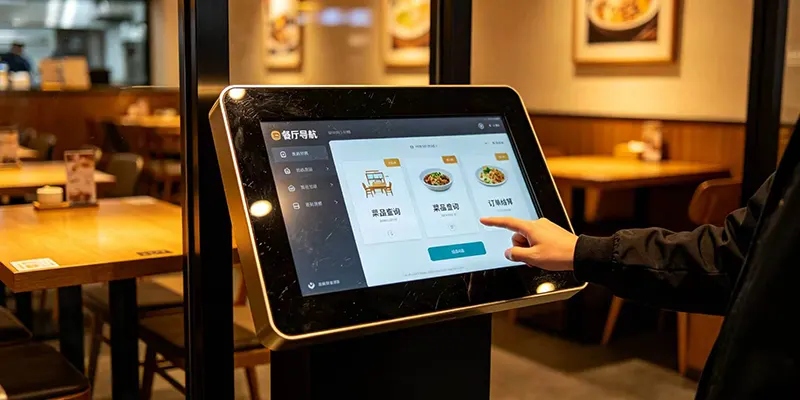
Ensure Software Compatibility
Software integration is one of the most critical aspects of choosing a self-service kiosk. A kiosk should connect smoothly with existing restaurant systems such as POS software, kitchen display systems, inventory management tools, and online ordering platforms.
Poor integration can create operational problems and reduce efficiency.
Benefits of Cloud-Based Software
Many modern kiosk systems use cloud-based software because it offers flexibility and remote management capabilities. Restaurant managers can update menus, pricing, and promotions from a centralized dashboard.
Cloud-based systems also provide real-time sales analytics, helping restaurants track customer preferences and improve marketing strategies.
Menu Management and Customization
Restaurants frequently update menus, pricing, and promotions. Choosing software that allows quick and simple updates is essential. Flexible menu management tools can save time and reduce administrative workload.
Advanced software also enables personalized promotions and loyalty program integration.
Payment Options and Security
Today’s customers expect multiple payment methods when ordering food. A modern self-service kiosk should support secure and flexible payment options to improve convenience and customer trust.
Popular Payment Methods
Most restaurant kiosks now support:
Credit and debit cards
Mobile wallets
Contactless NFC payments
QR code payments
Gift cards
Loyalty accounts
Providing various payment options can help restaurants serve customers more efficiently.
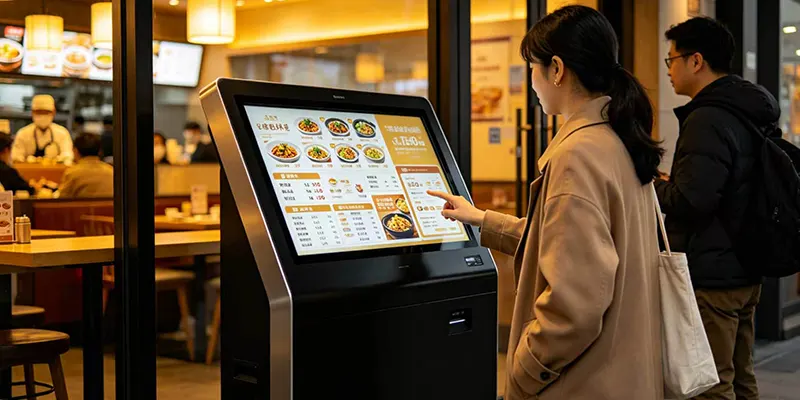
Conclusion
Choosing the right self-service kiosk for a restaurant requires balancing customer experience, operational efficiency, hardware quality, software integration, and long-term business goals. A reliable kiosk system can help restaurants reduce waiting times, improve order accuracy, and increase sales through automated upselling.
As the restaurant industry continues to embrace digital transformation, investing in the right self-service kiosk can provide a strong competitive advantage and create a smoother dining experience for customers.
RFQ
1. What is the best type of self-service kiosk for restaurants?
The best kiosk depends on the restaurant’s size, customer traffic, and available space. Freestanding kiosks are ideal for busy fast-food restaurants, while countertop or wall-mounted kiosks work better for smaller cafés and bakeries. Choosing the right model helps improve workflow and customer experience.
2. Can self-service kiosks increase restaurant sales?
Yes, self-service kiosks can increase sales by promoting combo meals, add-ons, and special offers during the ordering process. Customers also tend to spend more time browsing digital menus, which can lead to higher average order values.
3. Are restaurant kiosks compatible with POS systems?
Most modern kiosks support integration with POS systems, kitchen display systems, and online ordering platforms. This allows orders to be processed automatically and improves operational efficiency.
4. How durable are restaurant self-service kiosks?
Commercial-grade kiosks are designed for continuous daily use in busy restaurant environments. Many models include durable touchscreens, metal enclosures, and reliable payment systems for long-term performance.
5. Do self-service kiosks support multiple payment methods?
Yes, modern kiosks usually support credit cards, mobile wallets, contactless payments, QR code payments, and loyalty programs, providing customers with a faster and more convenient checkout experience.